How to Complete Your KYC Verification on Servebor
By Team Servebor on September 13, 2026
If you have just signed up on Servebor and you are wondering why you are being asked to verify your identity before deploying a server or adding funds, this guide explains why verification is needed and how to complete it in a few minutes.
Why Do We Ask for KYC?
Servers can be misused for spam, fraud, DDoS attacks, or other harmful activity when providers do not know who is actually behind an account.
KYC, which means Know Your Customer, helps us verify the identity of our customers and maintain accurate customer information. This helps us reduce misuse of our infrastructure and keep Servebor a reliable platform for hosting.
Is This Legally Required in India?
Servebor operates in accordance with applicable Indian laws and cybersecurity requirements.
Under the Cyber Security Directions issued by the Indian Computer Emergency Response Team (CERT-In) under Section 70B of the Information Technology Act, 2000, certain service providers, including cloud and virtual private server providers, are required to maintain accurate customer information and prescribed records.
The directions also include requirements related to customer identification and Know Your Customer information.
You can read the official government directive here:
We built our verification process to meet applicable requirements while keeping the process as quick and simple as possible.
What You Will See in Your Dashboard
Step 1: You Will See a Verification Prompt
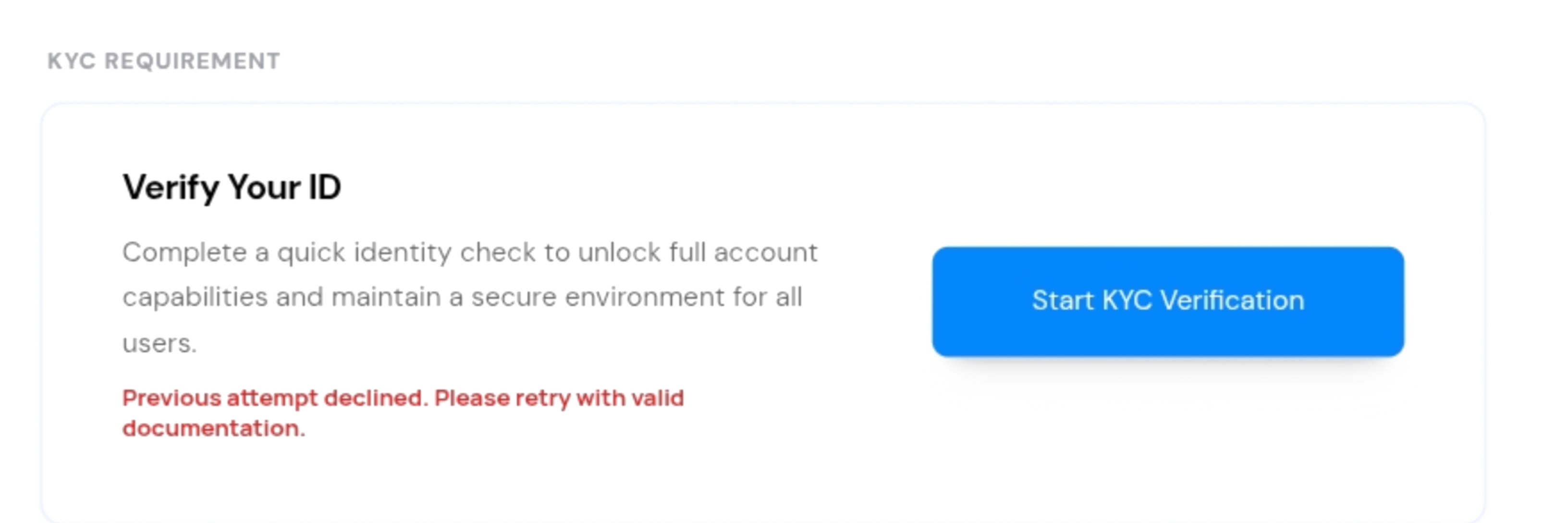
When you log in to your dashboard, you will see a verification card asking you to verify your account.
Until verification is completed, you can browse plans and pricing, but you will not be able to make payments or deploy servers.
Step 2: Start the Verification
Click Start KYC Verification and follow the instructions shown on the screen.
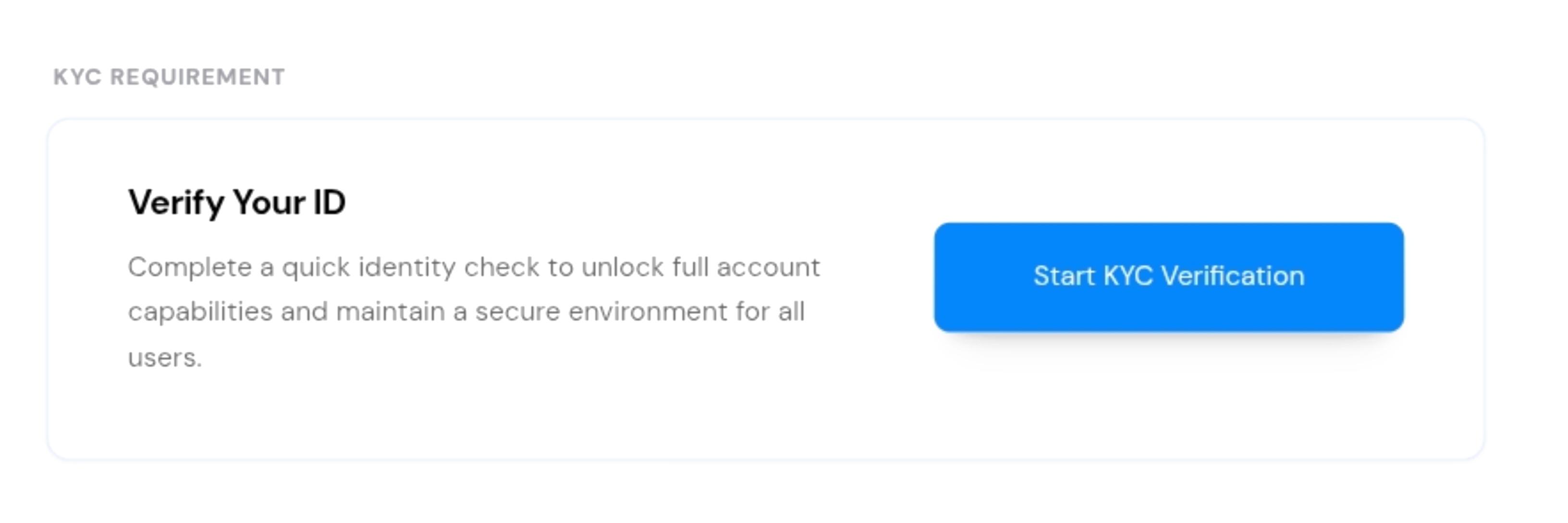
You will be securely redirected to complete the identity verification process.
Step 3: Submit Your Identity Document
You will be asked to:
Choose a valid identity document
Take a clear photo of the document
Complete a quick face verification
Make sure your document is valid and that all information is clearly visible.
The verification process usually takes only a few minutes.
Step 4: Get Your Result
Once you complete the verification, you will be returned to Servebor automatically.
Your account status will then be updated. You will not need to manually refresh the page or wait for a separate confirmation.
Understanding Your Verification Status
Verified: Your identity verification has been completed successfully. You can use the services available to your account, including deploying servers and adding funds.
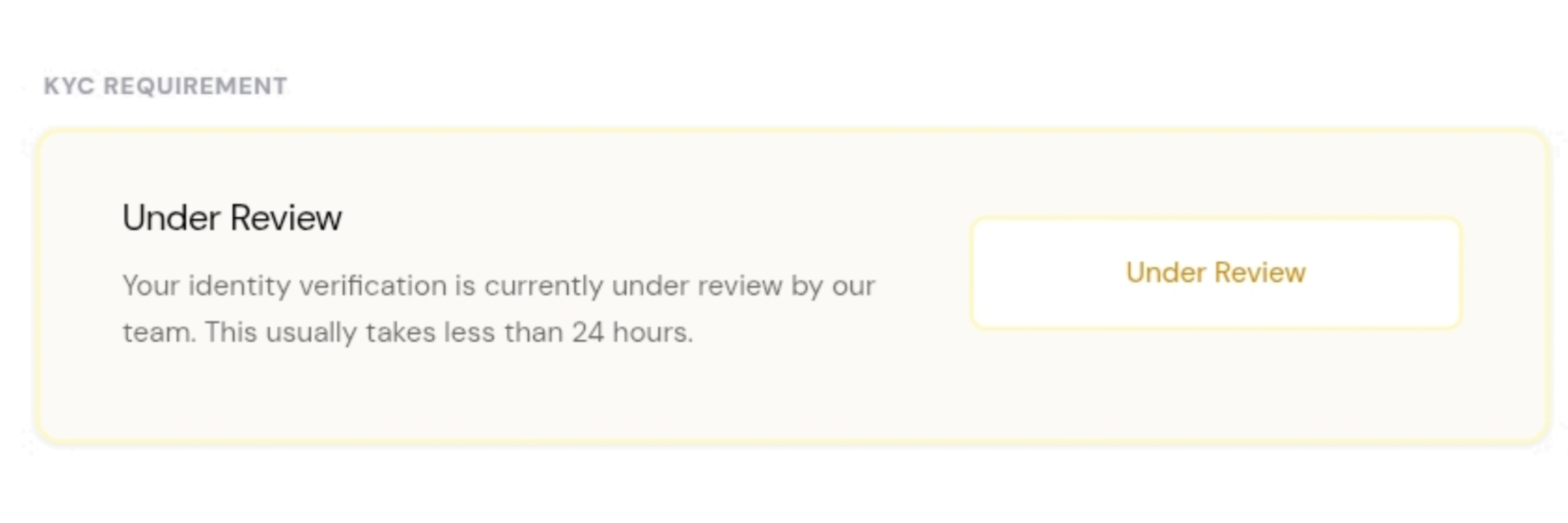
Under Review: Your submission requires additional review. This can happen in some cases when more checks are needed. The review may take up to 24 hours.
Failed: Your verification could not be completed. This can happen if your document is unclear, expired, invalid, or if there was an issue during the verification process. You can retry the verification with a valid and clear document.
Is My Data Safe?
We take the security and privacy of your verification information seriously.
Your identity documents are processed through our secure verification process and are not stored on Servebor's own servers. Servebor receives the verification result required to manage your account and services.
Your information is handled in accordance with our Privacy Policy and applicable laws.
Ready to Verify?
Open your and look for the Verify Your ID card.
KYC verification is generally a one-time process. Once your account has been successfully verified, you should not need to complete the verification again unless we are required to do so under applicable requirements.